

Getting Started
Overview
Qwetty is an omnichannel customer communication platform that lets you manage conversations across WhatsApp, Instagram, and Web Chat — all from a single dashboard.
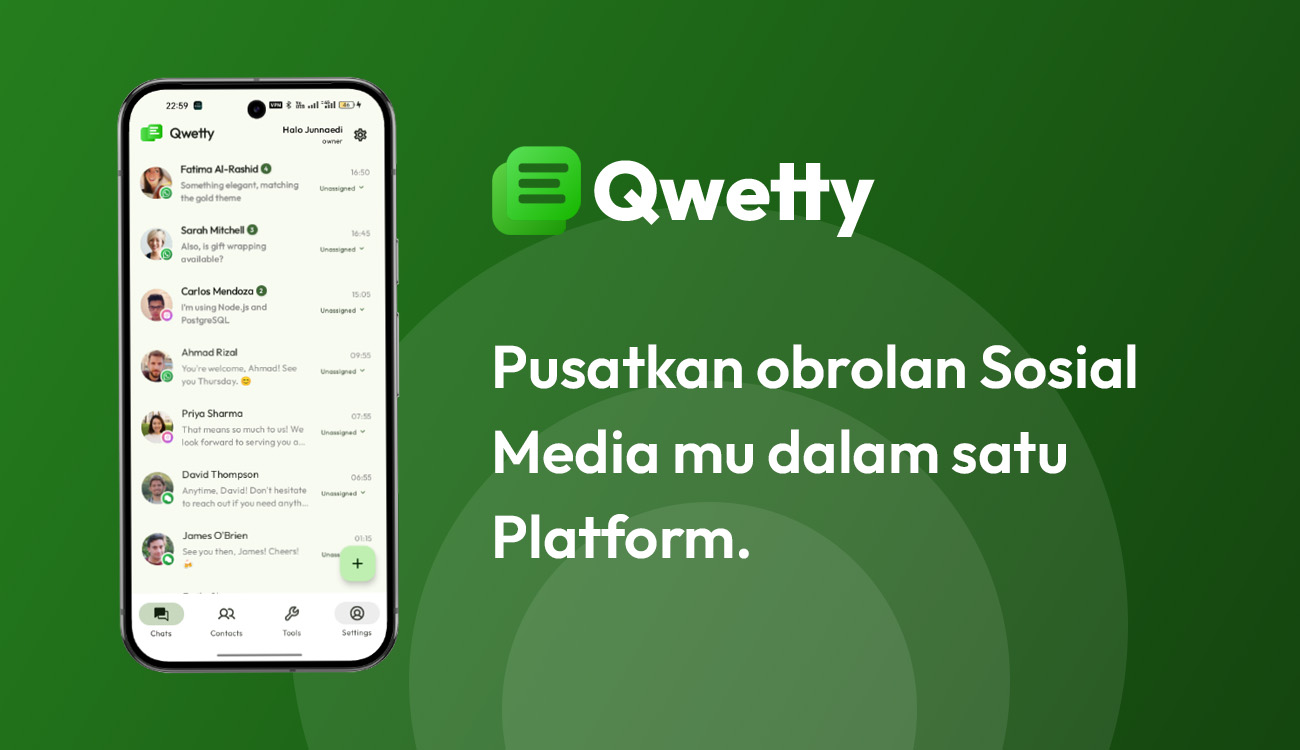
What can you do with Qwetty?
- Unified Inbox — Receive and respond to messages from all channels in one place
- AI Chatbots — Automate responses with chatbots trained on your knowledge base
- Message Templates — Create reusable templates for consistent, fast replies
- Automations — Build workflows to route conversations, send auto-replies, and more
- Contacts — Maintain a unified contact directory across all platforms
- Scheduled Messages — Queue messages for delivery at the right time
- Reports — Track message volume, response times, and team performance
- API Access — Integrate Qwetty into your existing tools via REST API
Who is this documentation for?
| Role | Start here |
|---|---|
| Business users — Setting up channels, managing contacts, using the inbox | Quickstart |
| Team admins — Managing users, roles, and organization settings | Managing Members |
| Developers — API integration, webhooks, embedding web chat | Developer Overview |
| Marketing / Support leads — Templates, scheduled messages, reports | Message Templates |
Quick links
- Quickstart Guide — Get up and running in 5 minutes
- Connect WhatsApp — Connect your WhatsApp Business account
- Connect Instagram — Connect your Instagram account
- API Reference — Explore all available API endpoints
Last modified on